
Add products to your price tracker in seconds
Paste a product link and start tracking instantly. Pricewatcha works smoothly on phones, tablets, and desktops.
Why adding products should be effortless
Many price tracking tools are slow or tied to specific shops. You copy product details by hand, switch between apps, or lose the link in a bookmark folder. Pricewatcha is built around a simple workflow: paste a product URL and start monitoring the price—without manually entering titles, platforms, or shop categories.
That matters when you are comparing refurbished phones, waiting for a deal on Amazon, or tracking an eBay listing while you are still on your phone. The faster you can add a product, the easier it is to build a real price watchlist instead of a scattered list of links.
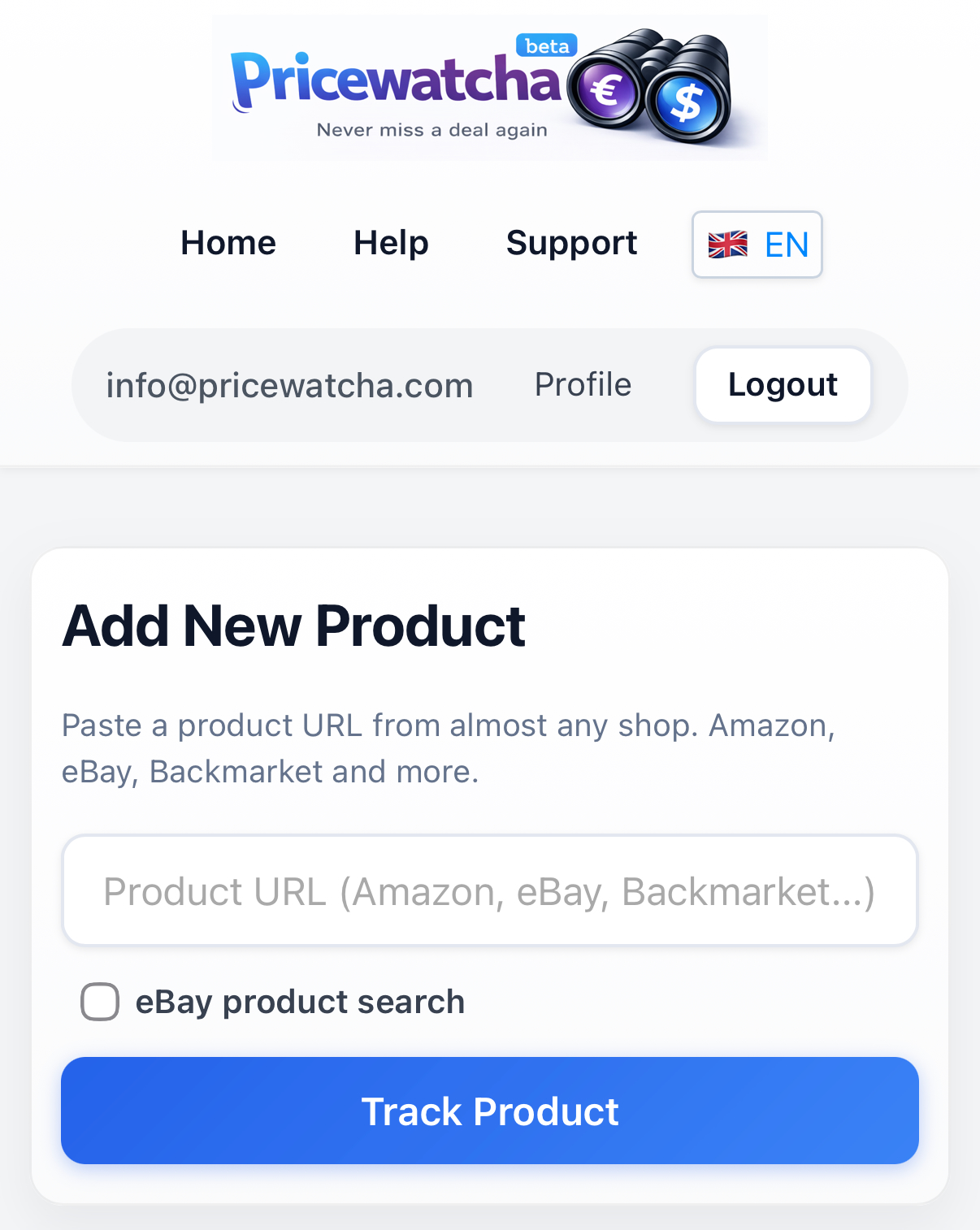
How to track a product by URL
- Open the product page in your browser or shop app.
- Copy the product URL from the address bar or share menu.
- Paste the link into Pricewatcha and confirm tracking.
- Review the detected shop, current price, and growing price history in your dashboard.
In most cases, Pricewatcha detects the platform automatically. You can then set automatic price alerts, analyze price history, and manage all tracked products in one dashboard.
Use cases
- Track a refurbished iPhone from Back Market while you compare other listings.
- Monitor an Amazon product you are considering but do not want to buy yet.
- Follow eBay product searches or specific listings without checking manually every day.
- Add products directly from your phone while browsing a deal on the go.
- Keep products organized without spreadsheets, notes, or dozens of browser bookmarks.
Works on phone, tablet, and desktop
Pricewatcha is a web-based product price tracker you can use wherever you shop. Start on your phone, continue on your laptop, and keep the same tracked products and alerts in one account.
Frequently asked questions
Can I add products from my phone?
Yes. Pricewatcha is optimized for phones, tablets, and desktops, so you can paste a product link while you are still on the shop page.
Do I need to enter product details manually?
In most cases, you only paste the product URL. Pricewatcha detects the relevant product information automatically. Availability may vary depending on the shop and product page.
Which shops can I track?
Pricewatcha is designed to work across many online shops, including marketplaces and refurbished retailers. Support depends on the shop and whether a public product page is available.
Price information and availability may change. The merchant's price is always authoritative.
Start tracking prices with Pricewatcha
Create a free account, add your first product link, and monitor prices across shops with alerts and price history.